
01 / Download
Install Studio.
Run the Windows beta installer on the PC you will use. The Preview request happens inside Studio.
Download Windows betaFree Preview · Windows 10/11
Begin with a recorded engine demo. Follow its path through calibration maps and explore the workspace before connecting an ECU.
Get the beta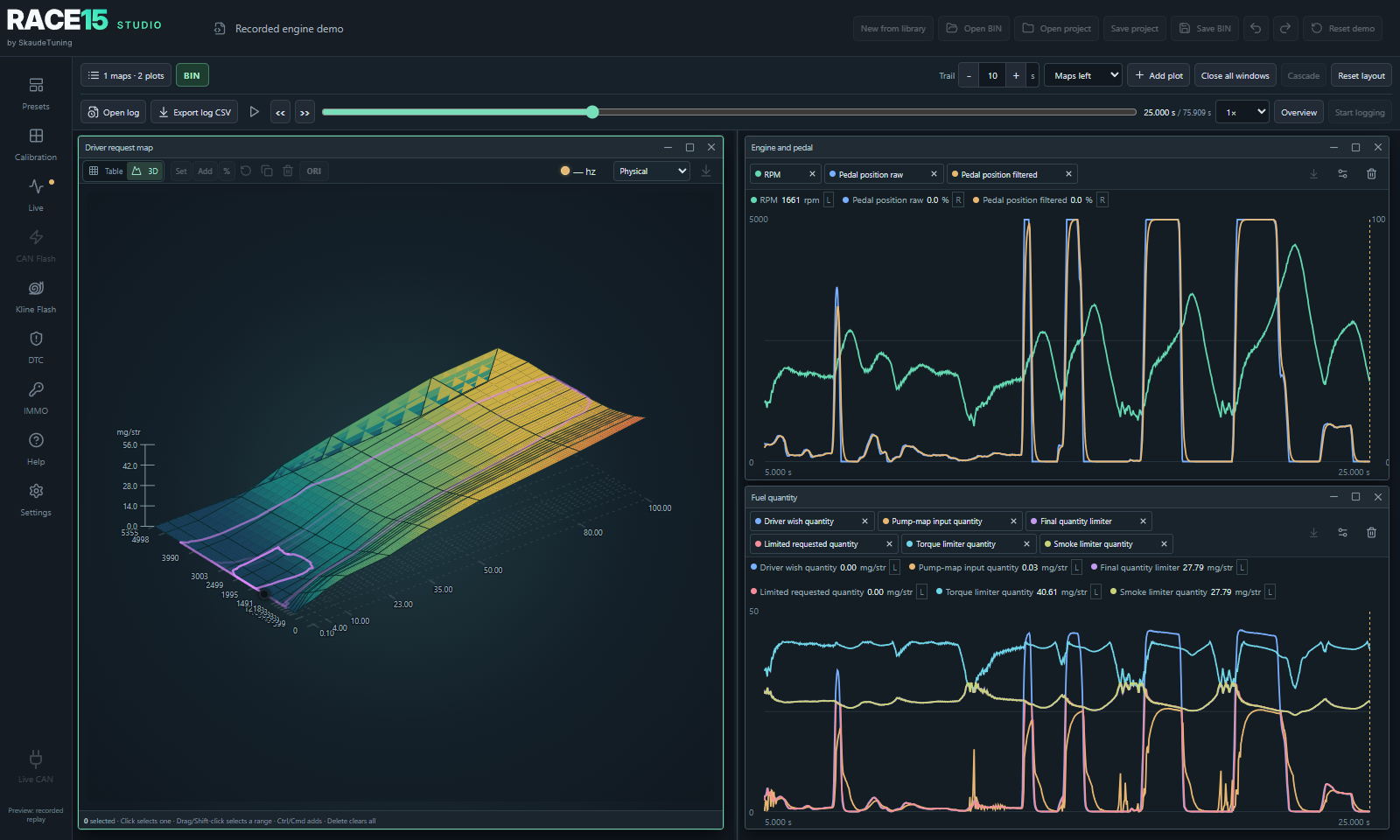
First steps
The free Preview runs on a physical Windows 10/11 PC. You can explore its demo without an ECU or J2534 adapter.
01 / Download
Run the Windows beta installer on the PC you will use. The Preview request happens inside Studio.
Download Windows beta02 / Activate
Read and accept the beta agreement in Studio, enter your email address and select Request preview license. Enter the emailed code in Studio on the same PC. An internet connection is needed for first activation.
03 / Explore
Open the recorded demo, replay the signals and inspect three calibration maps. Try temporary edits, undo and reset. Preview edits cannot be saved or exported.
When you are ready for your ECU
The supported ECU family, bootloader patch, wiring and adapter determine the available live CAN and programming workflows. Check the compatibility guide before preparing a vehicle.
Check compatibility