
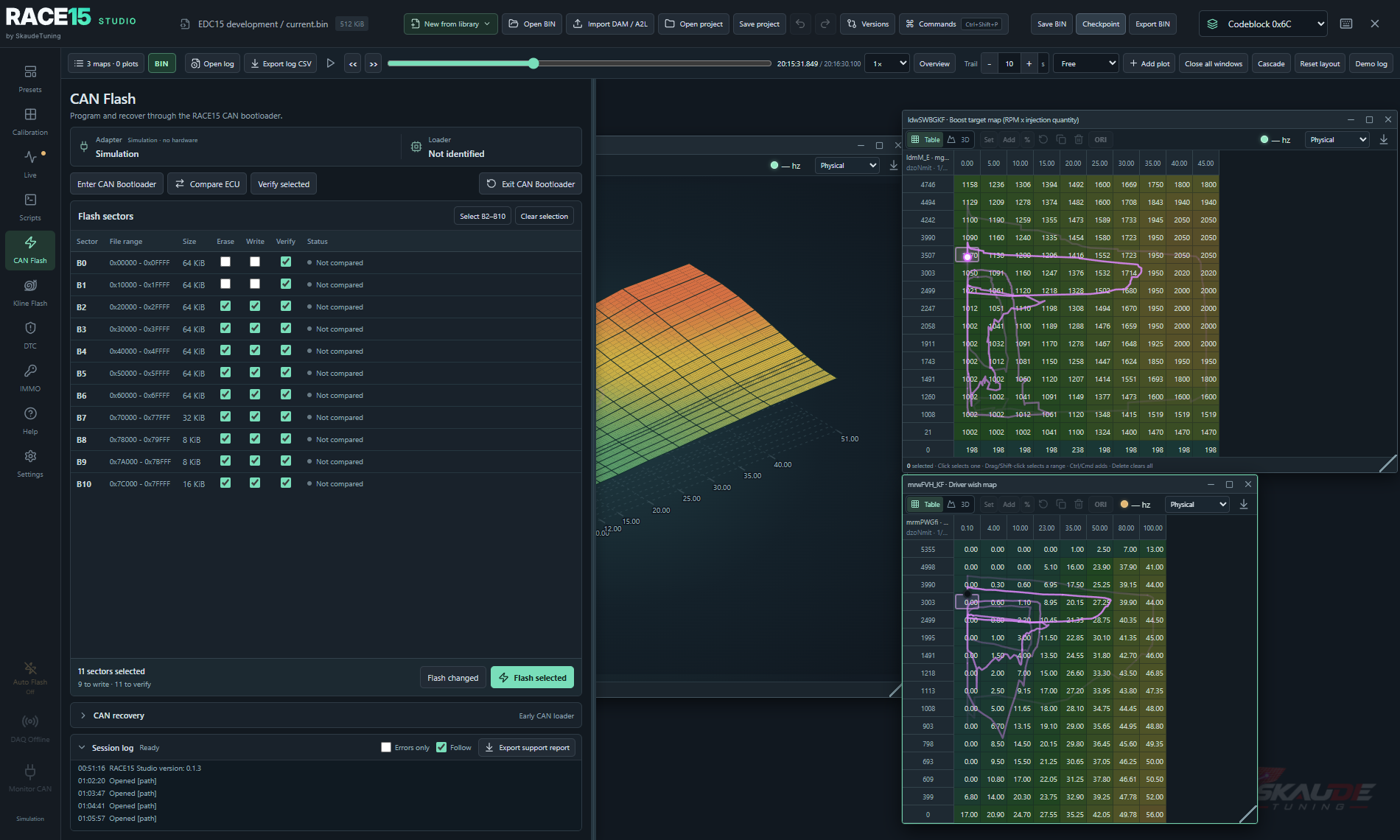
Program over CAN
After RACE15 is installed, review changed sectors and program selected sectors over CAN with supported hardware.
Inside the Studio
Calibration, data and programming live in the same workspace. Choose a starting point, develop your changes and return to the evidence from a run.
01 / Stage 1
Select Stage 1 to bring driver wish, torque, smoke, boost and injection timing maps into one focused list. Readable names and hover explanations describe what each map does. The group organizes the maps; it does not apply a preset tune.
The Stage 1 library requires a Full licence and the matching ECU family package. The free Preview instead includes a recorded demo with three calibration maps.
Explore the free demo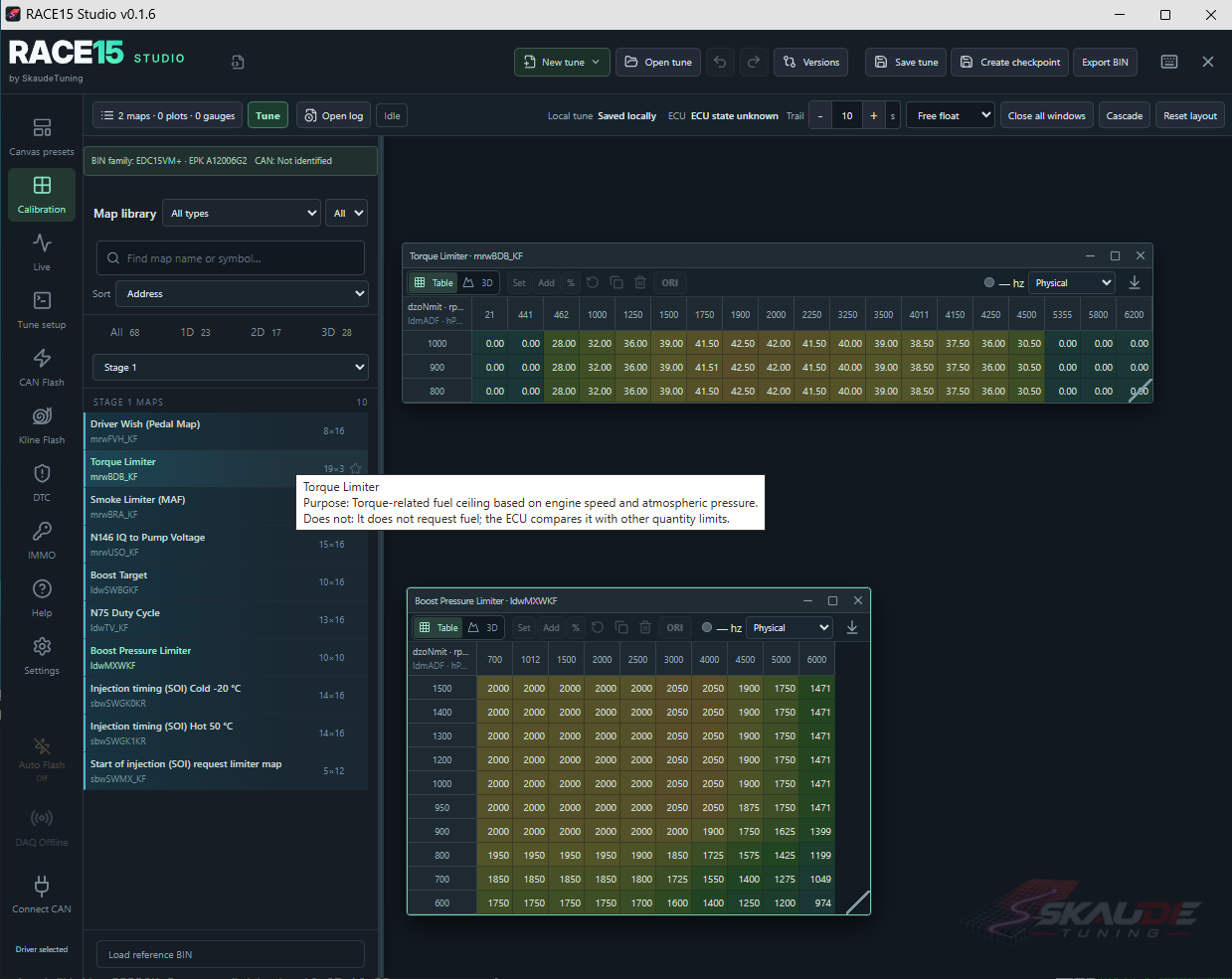
02 / Calibration
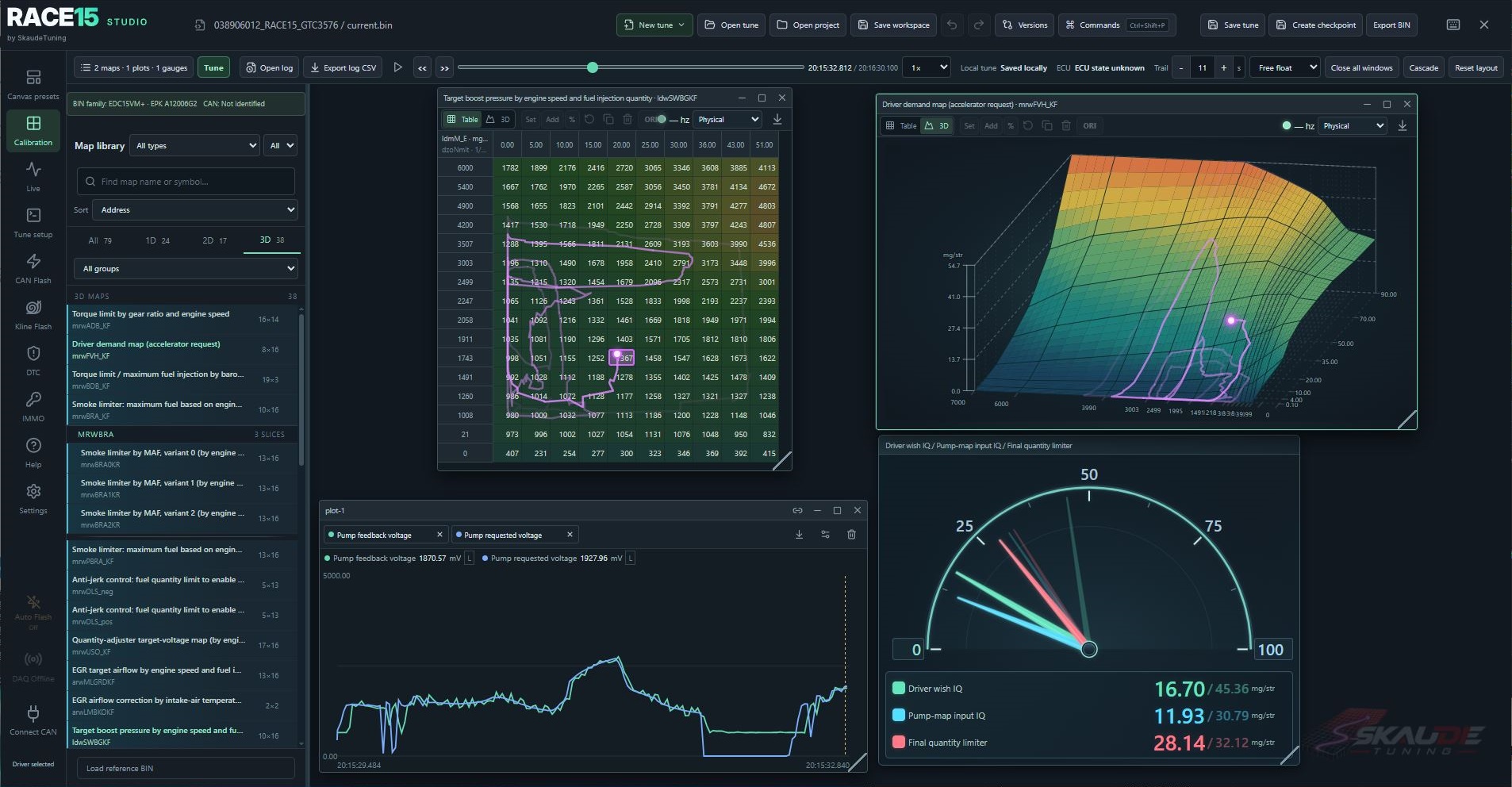
Search an ECU family library and open related maps together. Edit tables, 2D curves or rotatable 3D surfaces, and see the operating point on supported maps.
Use favorites, clipboard editing and undo/redo as you work. Named checkpoints let you compare a change with an earlier version or restore it.
See supported ECU families03 / Record and replay
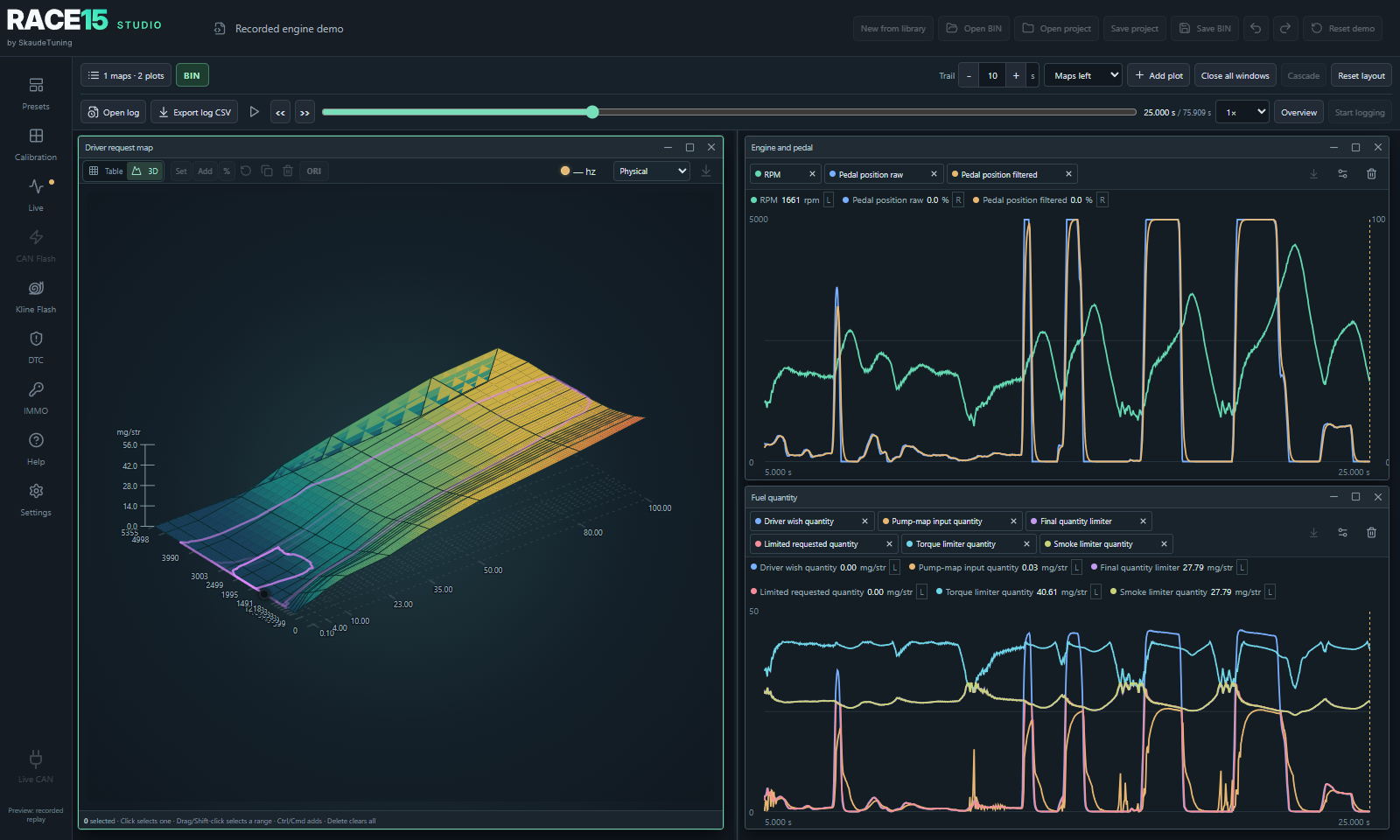
Record live engine signals at up to 50 Hz with supported hardware. Later, pause, seek or step through a run and see synchronized plots and traces on supported maps.
Recorded replay works without a connected ECU, so you can inspect a moment away from the vehicle.
04 / Programming
Studio includes programming tools for supported ECUs. The available route depends on the ECU and whether the RACE15 bootloader is already installed.
After RACE15 is installed, review changed sectors and program selected sectors over CAN with supported hardware.
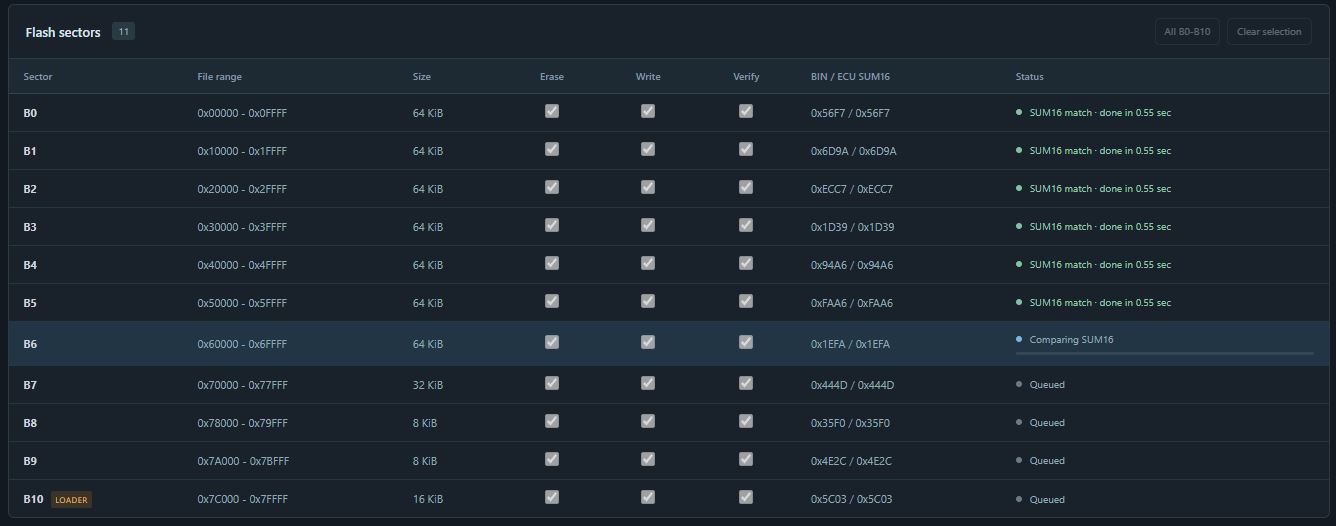
When enabled for a supported RACE15 ECU, Auto Flash can program stable saved changes as part of the Studio workflow.
First installation follows a separate full-image route. Check compatibility and installation requirements.
The workspace also includes DTC calibration records, immobilizer settings and supported calibration scripts for relevant ECUs.
Ready to explore?
The recorded demo needs no vehicle or adapter. Preview edits are temporary and cannot be saved or exported.